
Loading your page…
Loading page contentLoading your page…
Loading page contentDrag to see more
Wi-Fi
Wi-Fi 6
Coverage
Up to 1,500 sq ft
Devices
75+
Ports
2 × gigabit Ethernet
No router deposit
Order before 4pm on a working day for next-day delivery.
14-day money-back guarantee
The latest Wi-Fi standard
Coverage from one eero
Phones, TVs and laptops
Step by step in the eero app
Support based in the UK
IN PLAIN ENGLISH
It connects to your Next Day router and spreads the same Wi-Fi around your home, so the bedroom, kitchen and home office all get a strong signal. It cannot fix a weak signal coming into the router, so give your router its best spot first.
SET-UP
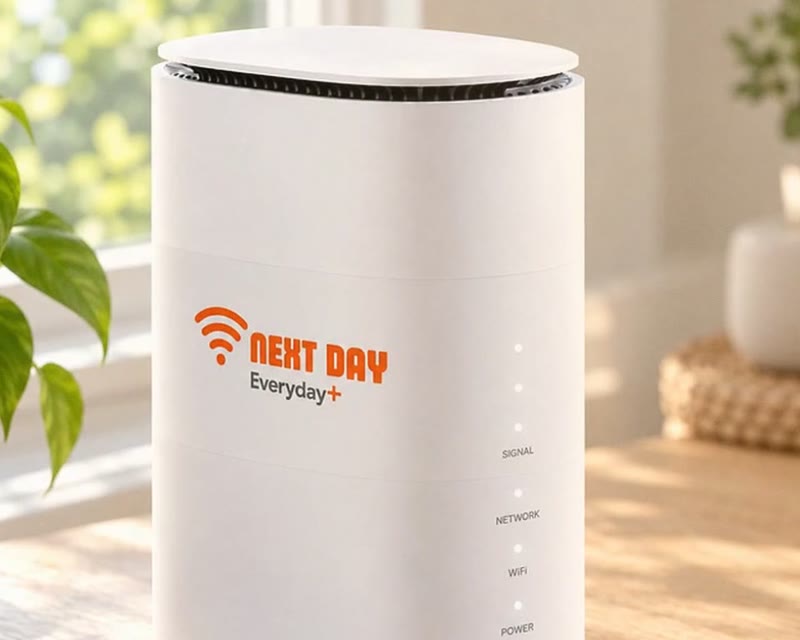 1
1Give your router the best signal spot. The eero spreads the Wi-Fi, but it cannot boost a weak connection coming in.
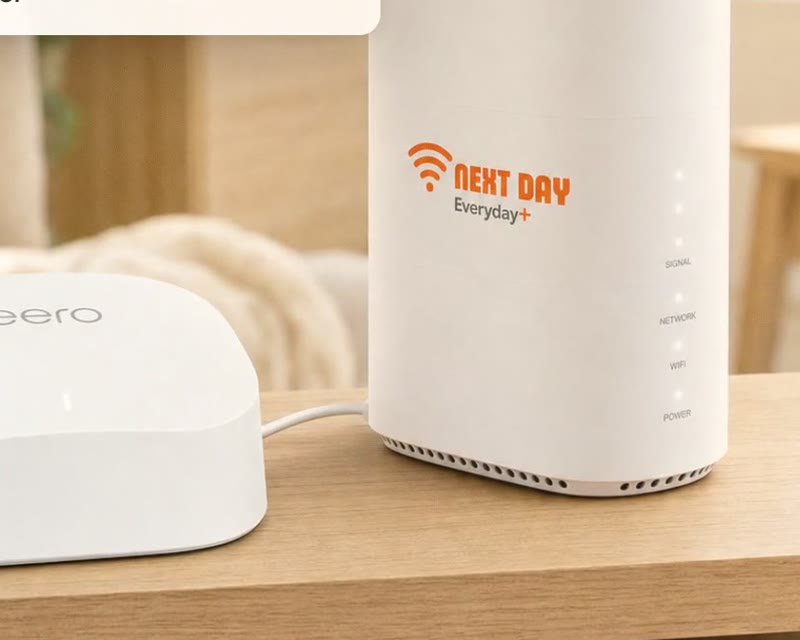 2
2Plug it into a power socket, then connect it to your router with the Ethernet cable provided.
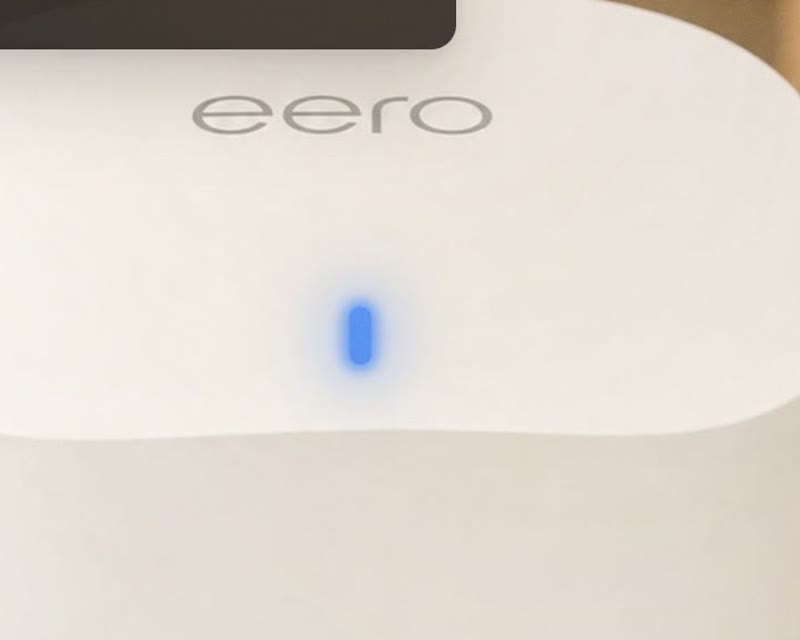 3
3Solid blue means it is ready to set up. Solid white means it is online and working.
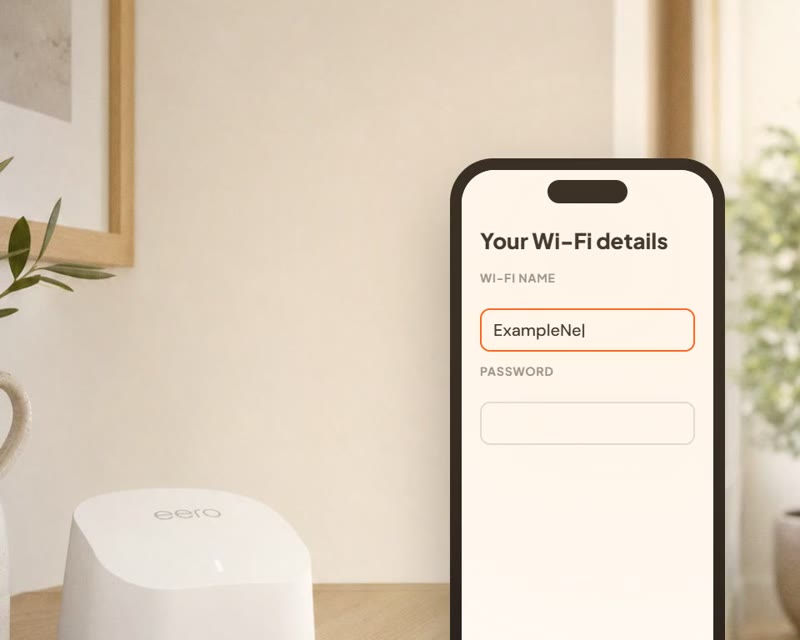 4
4Download the eero app and follow the steps. Reuse your old Wi-Fi name and password so devices reconnect by themselves.
Amazon eero 6
Your mesh Wi-Fi unit
Power adaptor
Plug in and switch on
Ethernet cable
Connects the eero to your router
Support details
UK team on 0330 229 6577
Light red? Solid red means it is offline and flashing red means it is resetting. Give it a moment, watch the setup video, or call us on 0330 229 6577.

Amazon eero 6
One eero covers up to 1,500 sq ft. Bigger home? Add more eeros and they work together as one network.
How many do I need?
Not sure? Start with the router on its own – you can add an eero any time. Call us on 0330 229 6577 and we'll help you work it out.
Answers to common questions about eero 6 mesh Wi-Fi.
Product FAQs
The eero 6 is a Wi-Fi 6 mesh router from Amazon. It spreads strong, reliable Wi-Fi around your home, so you get fewer dead spots.
The eero 6 is £8 a month, with no setup fee.
One eero 6 covers up to 1,500 sq ft, which suits most flats and small to medium homes.
You can connect more than 75 devices at once, including phones, laptops, TVs, games consoles and smart home gadgets.
If your Wi-Fi drops out in some rooms, slows down when lots of people are online, or struggles to reach upstairs or the garden, an eero can help.
Yes. The eero plugs into your Next Day router and boosts the Wi-Fi around your home. Your broadband plan stays the same.
No. Plug it in, connect it to your Next Day router with the cable, then follow the steps in the eero app. Our eero setup guide video walks you through it.
Yes. The eero 6 has 2 gigabit Ethernet ports for things like a TV, games console or PC.
Yes. The eero 6 has a built-in Zigbee smart home hub, so compatible smart plugs, lights and sensors can connect straight to it.
It won’t change your broadband speed, but it gets that speed to more of your home by improving Wi-Fi coverage and reliability.
Call us on 0330 229 6577 or message us on WhatsApp and we’ll help.
